If you have ever tried to set up your own AI agent, you probably know the feeling.
At first it looks simple. You see a demo, watch the agent use tools, maybe reply in Telegram or browse the web, and you think: I want that.
Then you try to set it up yourself.
Now you are thinking about providers, tools, channels, prompts, storage, and how to keep everything from turning into a messy one-off system you will not want to maintain two weeks later.
That was the reason I started building Nakama.
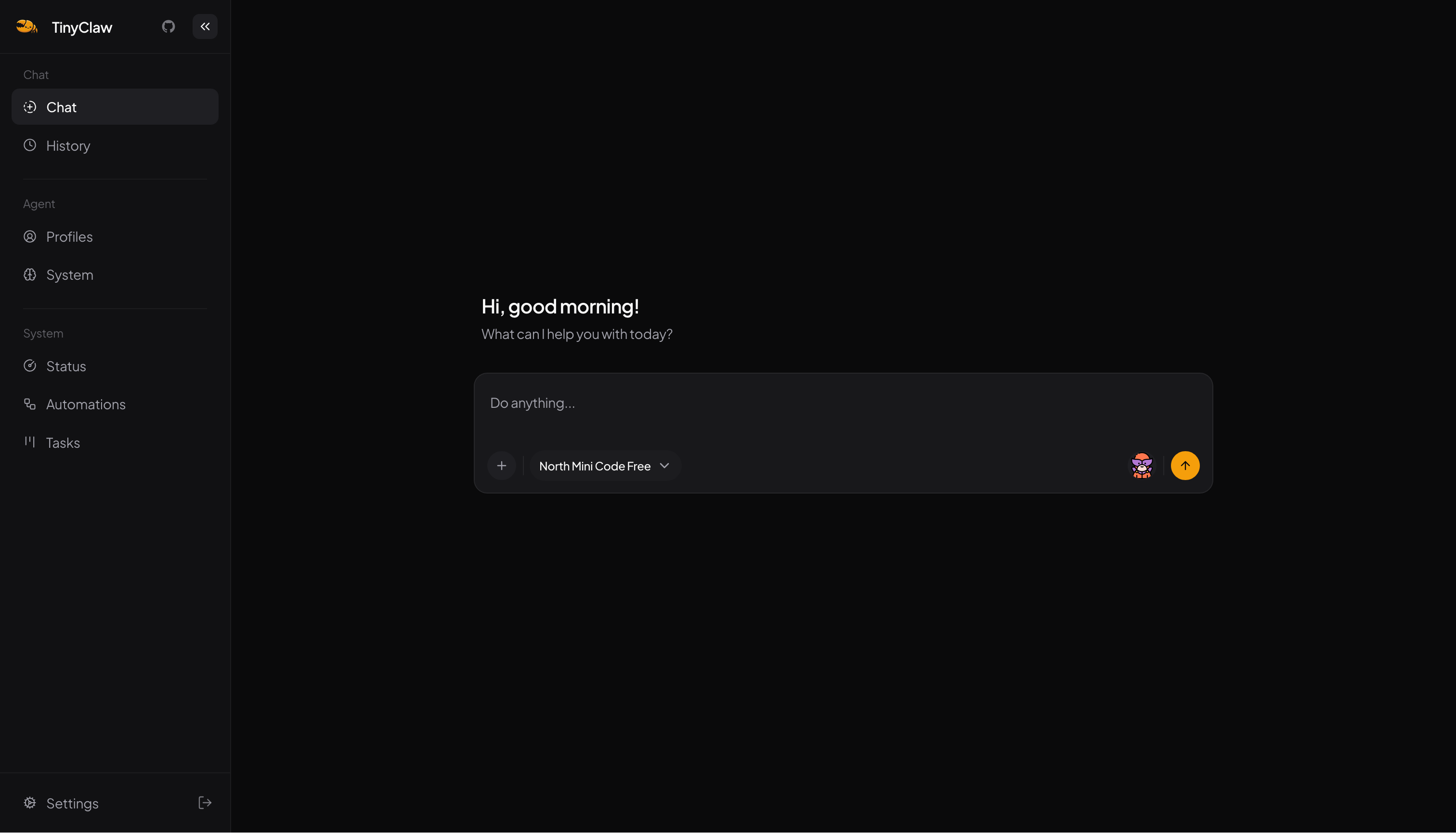
I did not want self-hosting an agent to feel like building a small research project. I wanted it to feel closer to setting up WordPress. Install it, configure it, create the bots you need, and start using it.
The problem I cared about
A lot of agent projects are exciting, but many of them still feel built for one very technical person sitting very close to the stack.
That works if you only want a personal setup for yourself.
But once you want to use agents with a team, or for different clients, or for different internal workflows, things get more awkward.
You usually need all of this very quickly:
- Separate teams cleanly
- Give different bots different jobs
- Control what each bot is allowed to do
- Let people use the same system from more than one place
That is the real problem I wanted to solve.
What Nakama is
Nakama is a self-hosted AI agent platform for teams.
The easiest way to think about it is:
- One Nakama server can host many organizations
- Each organization can have many members
- Each organization can have many profiles
- Each profile is a bot with its own behavior, memory, and tool access
So instead of treating the whole system like one assistant with one personality, you can shape it around real use cases.
Maybe you want one bot for support, one for research, and one for internal operations. Maybe you want one setup per client. Maybe you want one deployment, but you do not want everyone sharing the same tools and context.
That is the direction Nakama is built for.
Why multi-tenancy matters
This is the part that makes Nakama feel different to me.
It is multi-tenant by design.
That means one organization acts as one tenant boundary. Profiles, sessions, tools, skills, MCP servers, and usage data stay scoped to that organization.
If you are running bots for different teams or clients, that matters a lot. You do not want one group seeing another group's profiles. You do not want internal workflows mixing with client workflows. You do not want one powerful bot configuration becoming the default for everyone.
Nakama is designed to make that separation normal, not something you bolt on later.
What you can do with it
Nakama can expose the same agent runtime through:
- Web dashboard
- CLI
- Telegram
And each profile can have its own:
- Instructions
- Model
- Tool access
- Knowledge base access
Out of the box, Nakama already supports useful building blocks like web search, file access, knowledge base search, email, skill creation, and MCP server integration.
So if you are using it in practice, you are not forced into one giant general-purpose bot. You can make smaller bots with narrower responsibilities, which is usually the safer and more useful setup anyway.
What I am trying not to build
I do not want Nakama to become a huge abstract platform that only makes sense after you read a lot of docs.
I still want the core mental model to stay small:
- Organization
- Members
- Profiles
- Tools
If you understand those four things, the rest should feel approachable.
I also do not think everyone needs this.
If you just want one simple personal bot and you are happy wiring things together yourself, Nakama may be more structure than you need. But if you want a cleaner way to run agents for a team, a client setup, or multiple bots with different roles, that is where it starts to make sense.
Where it is now
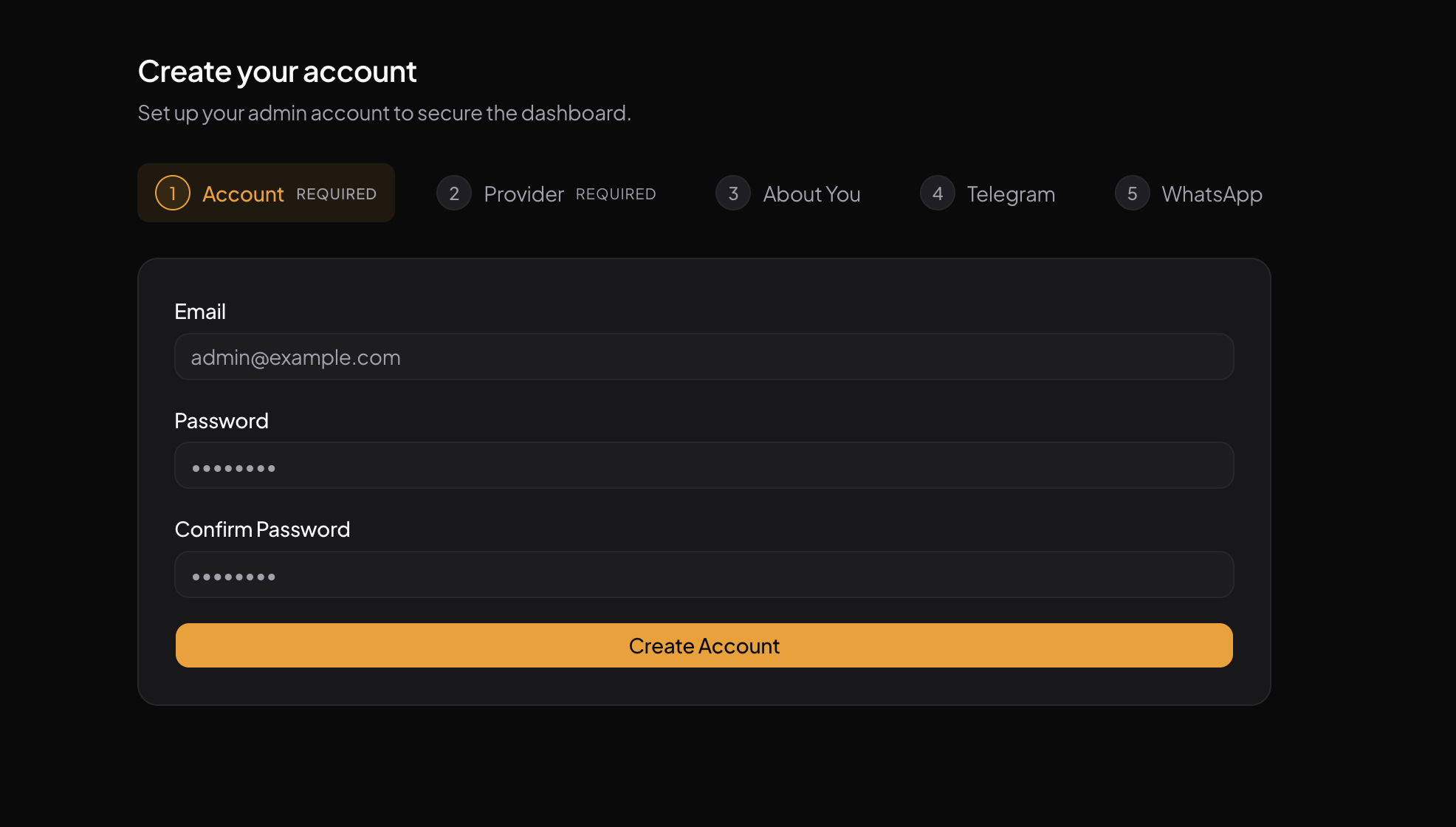
Nakama is open source, self-hosted, and built with Bun, TypeScript, and SQLite. You can run it locally from source or with Docker, then manage it from a web dashboard.
It is still evolving, but the direction is much clearer now.
I am not trying to make AI agents look impressive in a demo. I want them to be practical to run, practical to shape, and practical to live with.