If you have ever wanted a personal AI agent, you have probably seen the same problem I did: the demos look simple, but the setup does not.
You watch a few videos, see people connecting tools and automating tasks, and think, "I want that too." Then you try to install one yourself and suddenly you are dealing with too many moving parts.
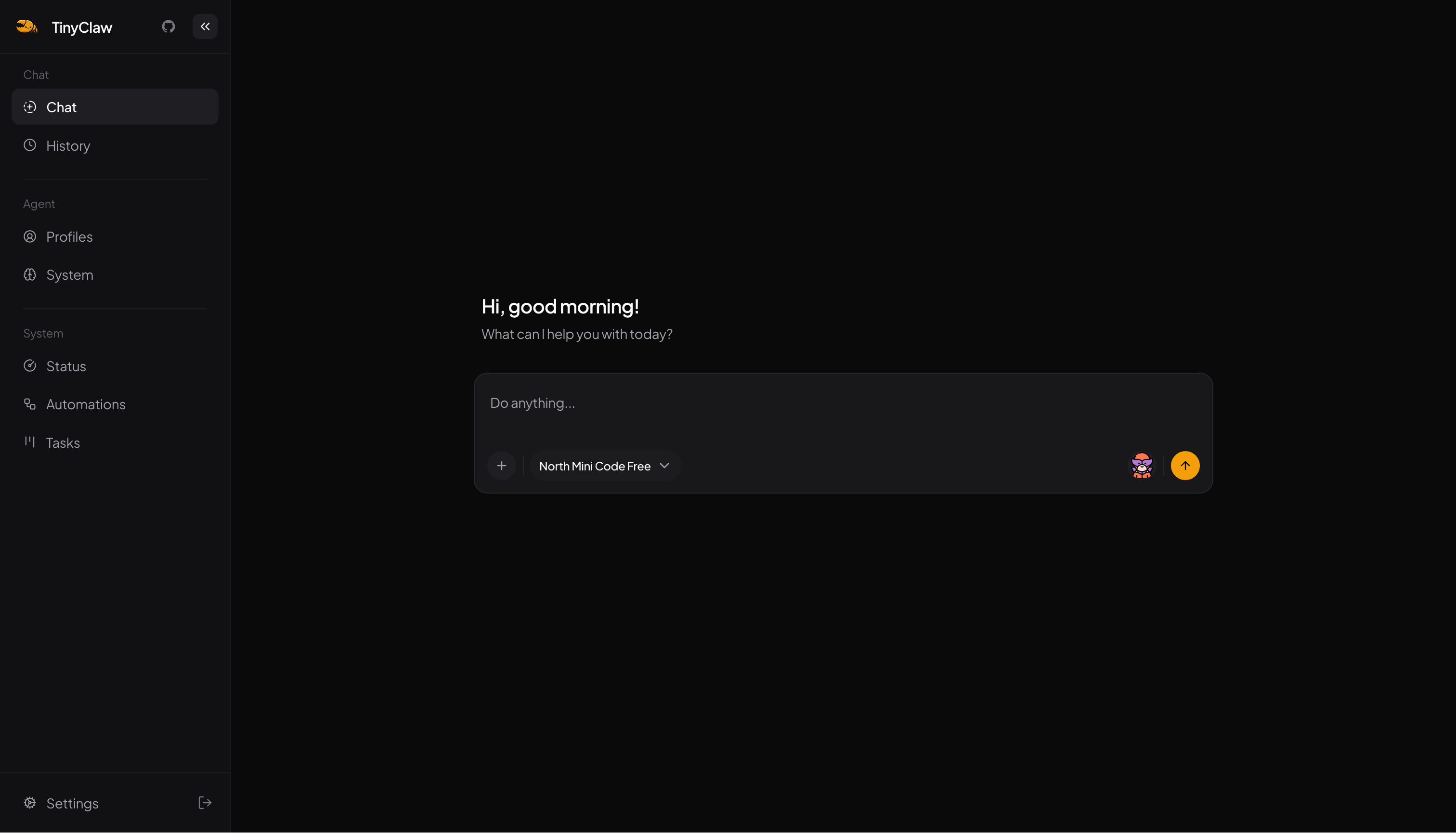
That was the reason I started building TinyClaw.
The problem I wanted to solve
I did not start this project as an expert in personal agents. I had only tried OpenClaw briefly, and I had never properly set up Hermes myself.
But that was also why I wanted to build it.
If building and using these agents still feels too technical, then the space is still missing something important. You should not need a weekend of setup just to have an agent that helps with daily work.
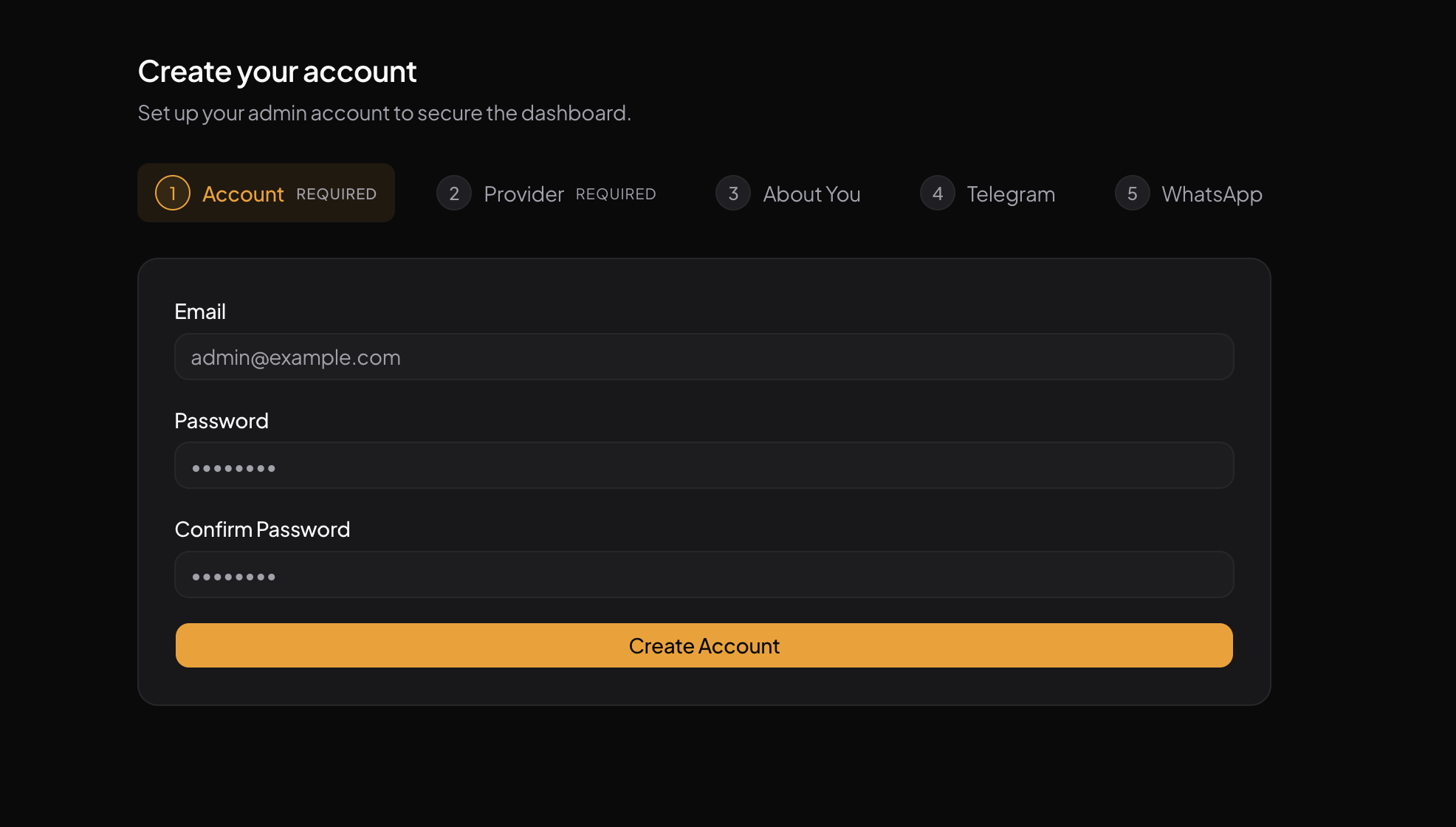
Honestly, this is the part I care about the most. I want setting up a personal agent to feel as easy as setting up WordPress. You install it, connect what you need, and start using it. It should not feel like you need to build a complicated stack first.
The building blocks
TinyClaw is built from a few small pieces:
- Support for OpenAI, Anthropic, OpenRouter, and custom OpenAI-compatible providers
- MCP support for connecting external services like Composio and Exa
- Simple append-only memory stored in Markdown files
- On-demand skills for tasks that need extra guidance
- Automation for running prompts on a schedule
- A task system for handling multiple jobs in a simple board-style flow
- Custom tools (usefull if you need to run code to finish a task)
None of these parts are fancy on their own. What matters to me is keeping them small and making them work well together.
What TinyClaw does
After three weeks of building, TinyClaw is already useful for real work.
It has simple but powerful Agent features:
- MCP support to connect with external apps and services
- Skills to teach the agent specific task
- A knowledge base to give the agent the right context
- Memory to remember useful details over time
- Scheduled tasks to run work automatically
What it enables:
- Chat with your agent from Telegram and WhatsApp
- Write and edit Google Docs
- Manage events in Google Calendar
- Update and organize spreadsheets
- Search the web for information
- Post to social media
That is the part I care about most. I do not want it to be something that looks nice in a demo and then gets forgotten a week later.
What I am trying not to build
I do not want TinyClaw to become a huge platform with too much complexity.
I want it to stay small in spirit. If you can understand how it works, install it without too much friction, and shape it around your own needs, then it is doing the right job.
Where it is now
I think the core building blocks are now in place. It is already good enough for day-to-day repetitive work, and there is still a lot to improve.
TinyClaw is open source and free if you want to try it. And the best part of it you can hack to do what you need the stack is simple it use Bun, Typescript and SQLite.